Generate a connection between inverter and »EASY Starter«
For commissioning the inverter with the »EASY Starter«, a communication link with the inverter is required. This can be established in a wired or wireless manner via WLAN.
Preconditions
–
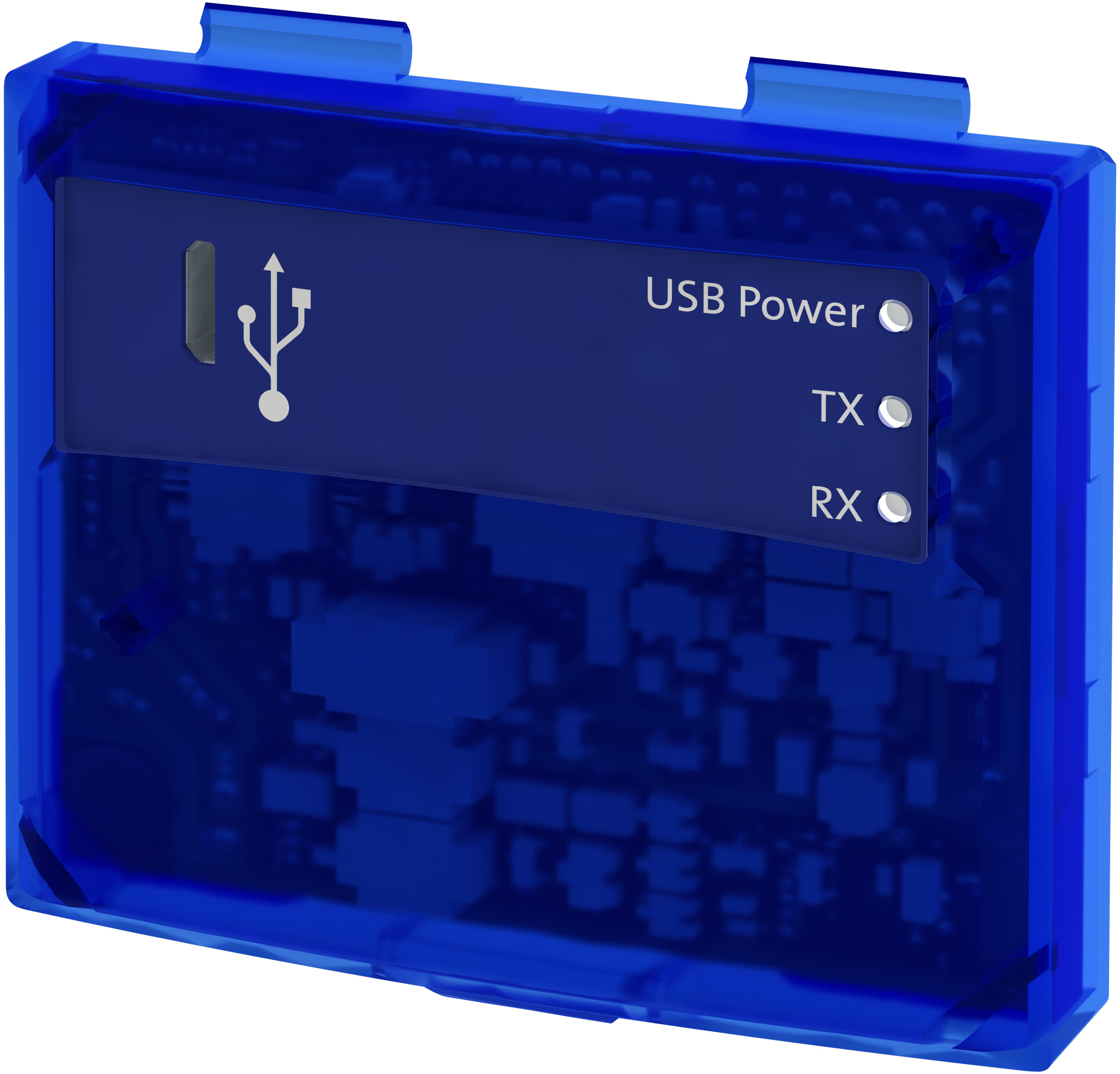
A USB module and a USB 2.0 cable (A plug on Micro-B plug) are required for wired communication.
–
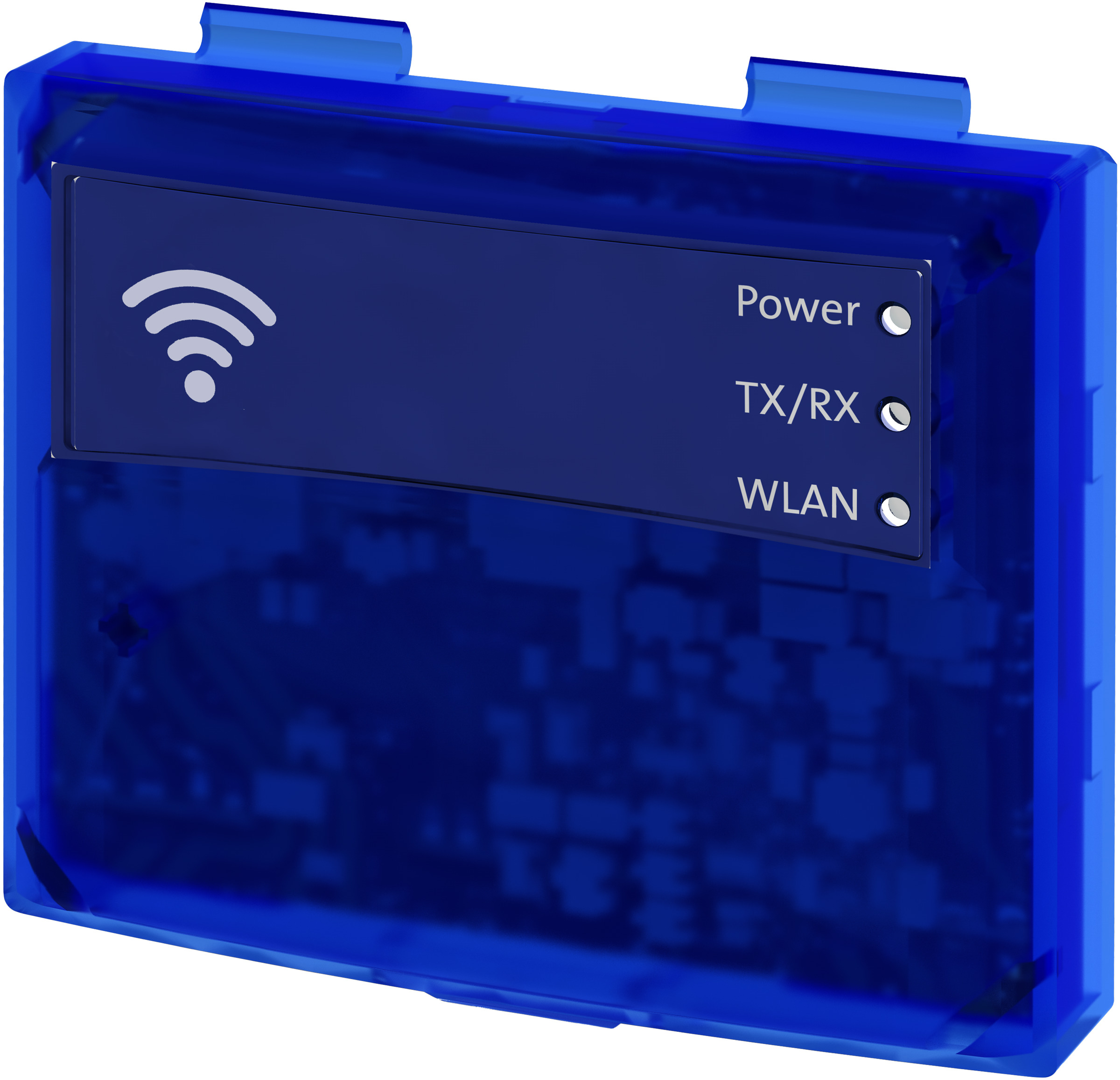
A WLAN module is required for wireless communication with the inverter. In addition the PC on which the »EASY Starter« is installed must be wireless-enabled.
Details
The following instructions describe how to establish a connection via the USB module.

The USB interface must only be used temporarily for the diagnostics and parameterization of the inverter. It is recommended to always keep the inverter and the diagnostic device on the same earth potential or separate the diagnostic device from the mains.
–
Parameterising without motor operation does not require a mains voltage. If you connect the inverter directly to the PC without a hub, the USB interface of the PC is sufficient for the voltage supply.
–
Instructions for the establishing a connection via the WLAN module can be found in the chapter "Using accessories: WLAN module".
How to establish a communication to the inverter via USB:
Preconditions for commissioning:
✓
The functional test described in the mounting and switch-on instructions has been completed successfully (without any errors or faults).
✓
The inverter is ready for operation. The mains voltage is switched on.
Accessories required for commissioning:
@
The USB module
@
The USB 2.0 cable (A-plug on micro B-plug)
@
The PC with installed »EASY Starter« software
1.
Plug the USB module onto the diagnostic module interface on the front of the inverter.
2.
Use a USB cable to connect the inverter to the PC on which »EASY Starter« is installed:
a.
Plug the micro B plug of the USB cable into the socket of the USB module.
b.
Plug the other end into a free USB type A-socket of the PC.
3.
Start »EASY Starter«.
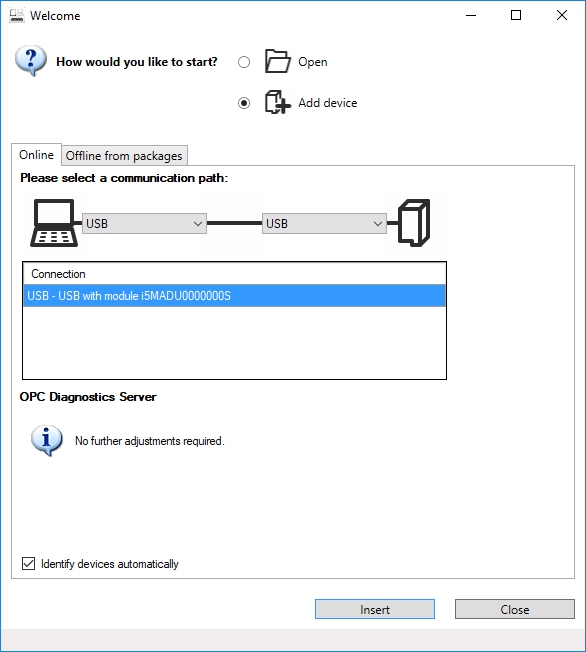
The "Add devices" dialog is shown.
4.
Select the "USB - USB with module i5MADU0000000S" connection:
5.
Click the "Insert" button.
»EASY Starter« searches for connected devices via the communication path selected. When the connection has been established successfully, the inverter is displayed in the device list of »EASY Starter«. The inverter parameters can now be accessed via the tabs of »EASY Starter«.