Collection Editor
Some control elements require sub-elements for full functionality.
The Collection Editor is a dialog that helps you to add and configure child elements. Properties that require such a list of child elements are labeled with (Collection).
To open the Collection Editor for a property, select the control in the designer and click next to that property.
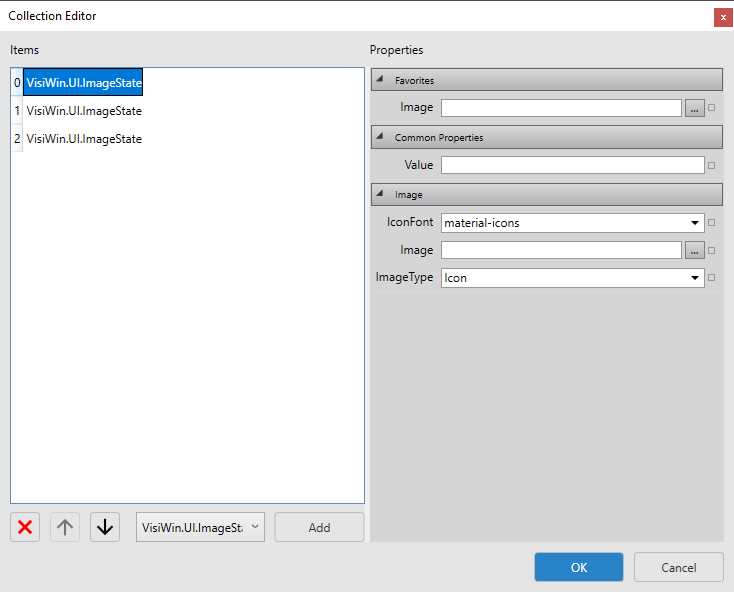
Collection Editor for the ImageList property of the Image control
The Collection Editor allows you to do the following:
-
Add elements
To add an element to the control, select an element type from the drop-down list at the lower left of the dialog. For most controls, there is only one element type available. Click Add.
-
Change the order of elements
To change the order of the elements, select an element and click
 or
or  .
. -
Remove elements
To remove an element from the list, select the element and click
 .
. -
Configure elements
To configure and element, select the element in the list on the left and set the properties on the right-hand side of the dialog.
-
Confirm or cancel list
To confirm the list and to add the elements to the control, click OK. To reject the list, click Cancel.