Configure OPC UA access
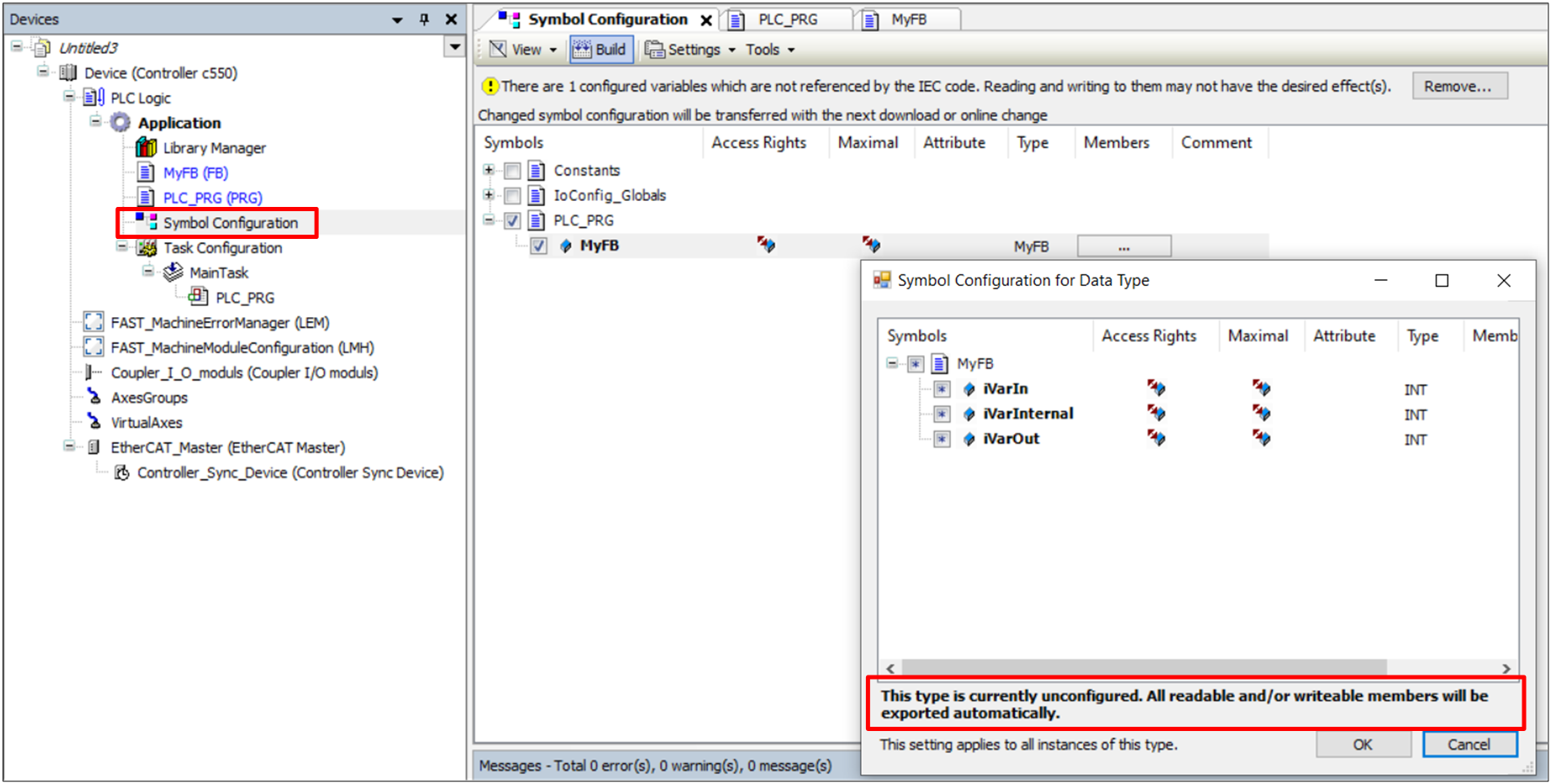
In a next step the variables to be published via OPC UA have to be selected from the PLC application. The symbol configuration is available for this purpose.
-
Insert a Symbol configuration object below the application.
-
Activate the option Support OPC UA functionalities in the dialog "Add symbol configuration".
-
Open the symbol configuration in the editor.
-
Select the Create command.
The variables are displayed in a tree structure
-
Activate the variables that you want to publish via OPC UA. Set the access rights.
-
Transfer the project to the controller.
The handling of the symbol configuration is described in detail at the following link:
Make sure that only the IEC variables are selected that are required for the use case and are therefore also to be published. If a variable is selected in the symbol configuration, the subordinate member variables are automatically activated for OPC UA access.
If you have a user administration active on the controller, IEC variables can be assigned to symbol groups and these in turn to user groups. Thus, a certain user has access only to the IEC variables intended for him. For the configuration of symbol groups see CODESYS Online Help.