Commissioning steps
Preconditions
–
The mechanical and electrical installation of the inverter is complete.
–
If necessary, the motor is mechanically decoupled from the system.
–
Check whether the system could be mechanically damaged if the non-decoupled drive should perform uncontrolled movements.
–
Check whether the mains voltage and the motor data are set according to the actual conditions.
–
To do this, supply the inverter with 24 V.
–
Check setting of the mains voltage:  Mains voltage
 –
Check setting of the motor data: Motor data
Motor data –
If it is ensured that the mains voltage and the motor data are set according to the real conditions, the mains voltage can be switched on.
–
The connection between the inverter and engineering PC with »EASY Starter« or »PLC Designer« installed is established.
–
The »EASY Starter« or »PLC Designer« is open and connected to the inverter.
–
The device list of the »EASY Starter« or »PLC Designer« contains the inverter with the correct device description.
–
The inverter diagnostics do not show any faults.
–
Check LED status displays. Status LEDs
–
Check error messages. Logbook
–
Check available application credits on the storage medium.
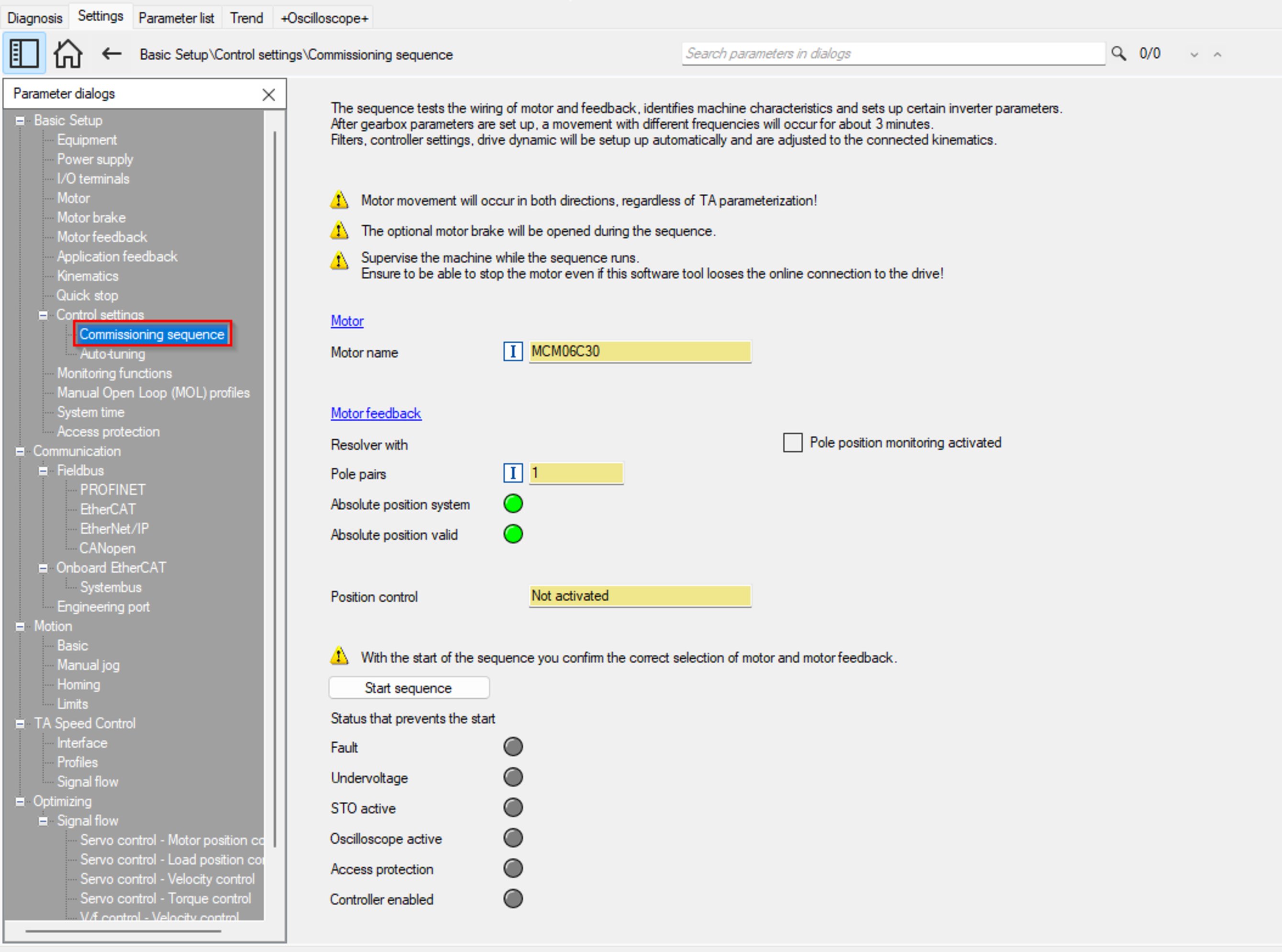
Commissioning sequence
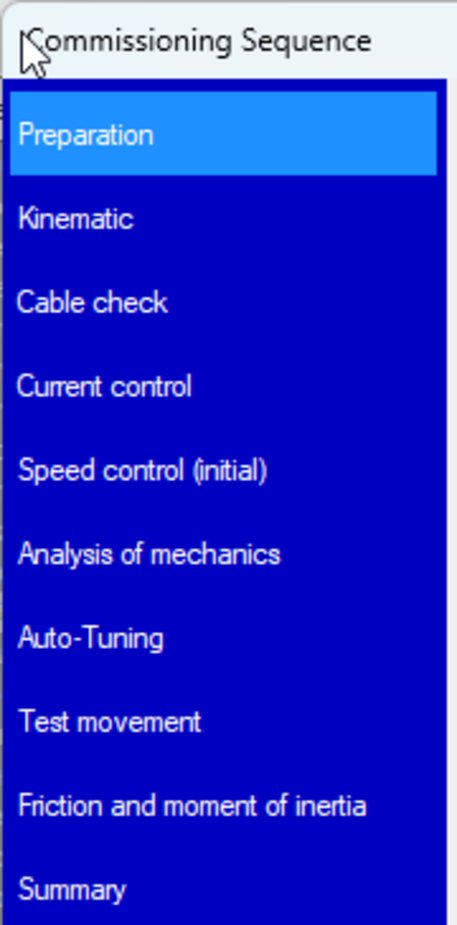
Use the commissioning sequence to easily put the inverter into operation.
The commissioning sequence guides you step by step through the commissioning process. Follow the instructions of the program.
|
|
|