Attach localizable text to control element
The control element of the Label type has two properties, the "Label text" property, which is not language-switchable, and the "Localisable label text" property, which contains the reference to the text ID and displays the text in the currently selected language according to its entry at runtime.
-
To bind a localizable text to a control element:
-
Open the page "MachinePage.html".
-
Place the control element of type Label on the page.
-
Specify the text using the "Localisable label text" property:
-
Expand the Label category in the Properties window.
-
Click on the
 button next to the "Localisable label text" property.
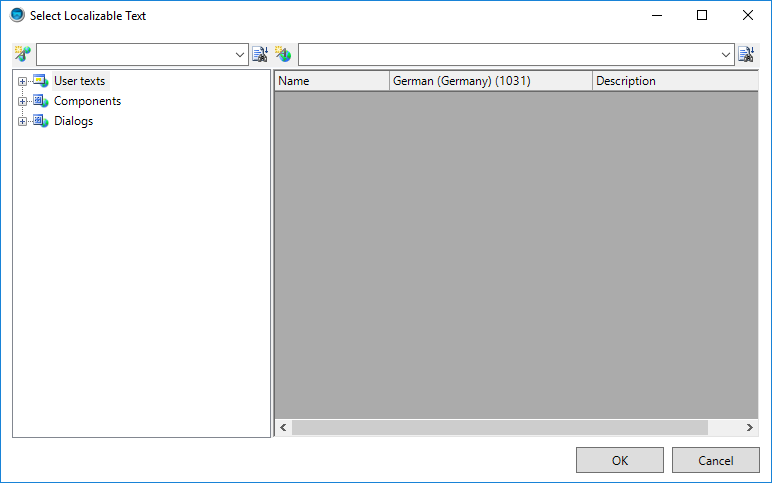
The Select LocalizableText dialogue appears.
-
Expand the "User texts" text group in the dialogue and select the text you have created.
-
Confirm with OK.
-