Illustration of the use of the FAST Toolbox components
With the help of the diagnostic visualization, the "Advanced" user always has a complete and detailed overview of the use of the FAST Toolbox components.
The TM (e.g. of the "ElectronicGearbox", "BasicMotion" and "TablePositioning" groups) and the "Application Credit" booked in each case are displayed.
The number in brackets after the group name indicates that several instances have been activated.
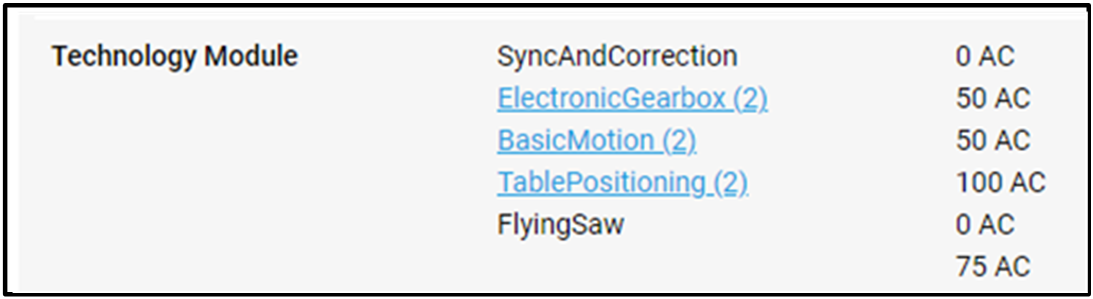
Technology modules of version 2:
A TM in blue font contains a link. Clicking on the link opens a dialog box with the names of the two instances.
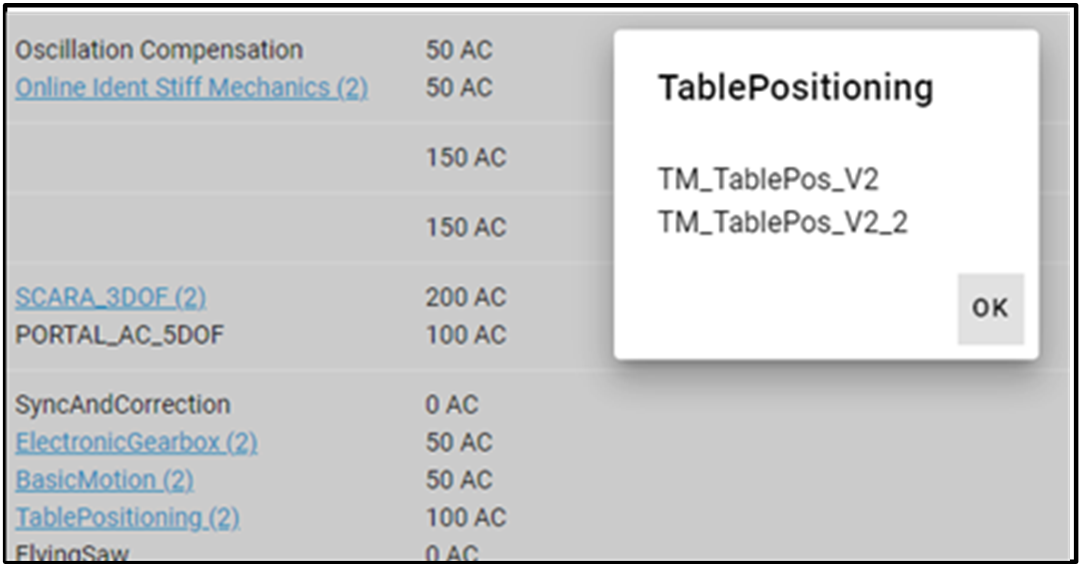
Robotics kinematics
In principle, the same applies as for TM version 2. The subgroups are listed on the basis of the different kinematics.
A TM in blue font contains a link. Clicking on the link opens a dialog box with the names of the two instances.
