Option A: The user opens the existing project with a newer PLC Designer V4
The "Project Environment" dialog appears. It can also be accessed under Menu -> Project -> Project Environment. The various tab cards show the components used in the project for which there are updates. You should click on <Set All to Newest> in the bottom left.
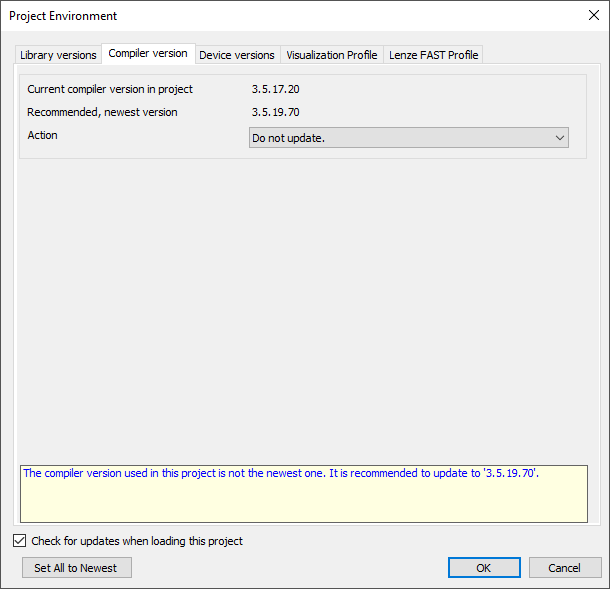
Project environment: Updating the compiler version
If the devices are not updated, the update must be deselected again in the "Device Version" tab.
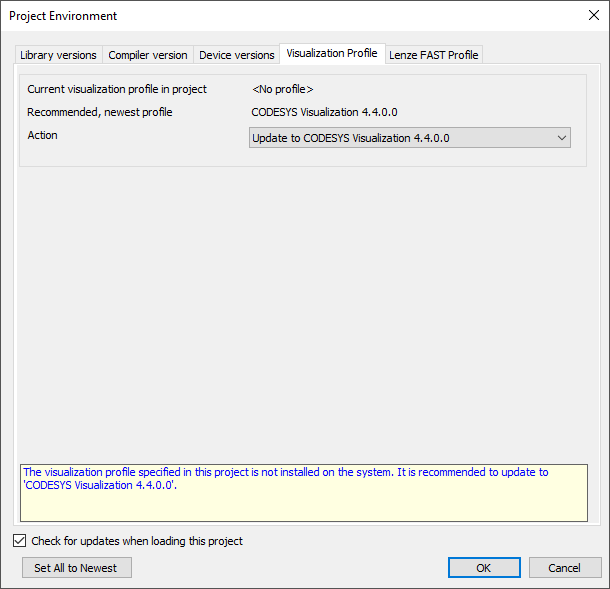
Project environment: Updating the visualization profile
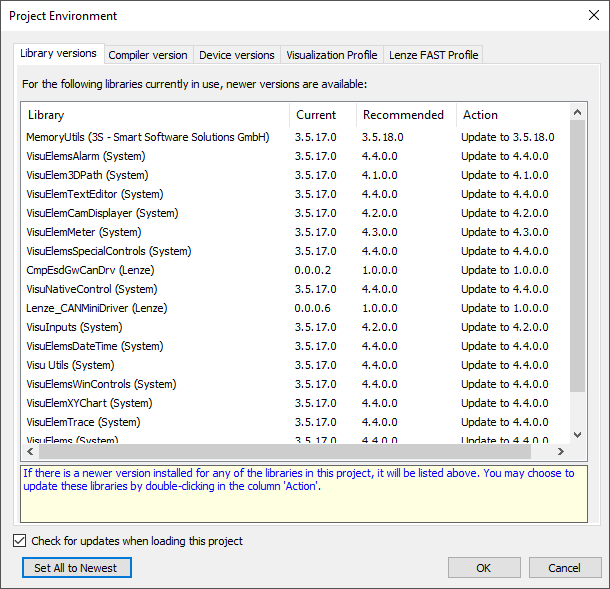
Project environment: Updating the libraries used