Change the order of menu items
This guide shows you how to change the order of the menu items in the Responsive layout.
-
To change the order of the menu items::
-
If you haven't already done so, open the main AppShell.html view in the Designer workspace.
-
To change the order of the main items, select the AppNavMenu element in the Document Outline. To change the order of submenu items, select the corresponding submenu element in the Document Outline instead.
-
In the Properties window under Menu > MenuItems (Collection), click the
 button.
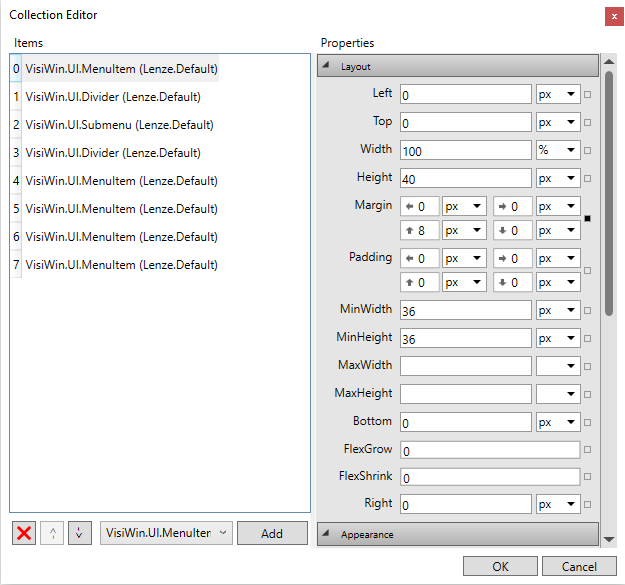
The Collection Editor dialog appears:
-
Make the desired adjustments.
-
With the arrow buttons
 and
and  you can change the position of the item inside the menu.
 -
You can add a menu item using the Add button. Under Navigation > PageName, you can select the target page to be displayed when the menu item is selected.
-
Under Text > LocalizableText, you can assign a language-switchable text to the menu item.
-
-
Click the OK button to apply the changes.
Related topics: