Dialogue for the multiple selection of variables.
Recipe elements can be added to the recipe class definition manually via the New context menu of the table editor or by pressing the F8 function key. The variable name must then be specified in the Variable column by typing in the correct name. Alternatively, the variable selection dialogue can also be opened using the  button.
Selection is easier using the Select variables dialogue, which can be opened using the context menu of the same name in the table editor. This enables multiple selection of variables. By selecting a group node, a complete hierarchy of variables can also be selected with one click.
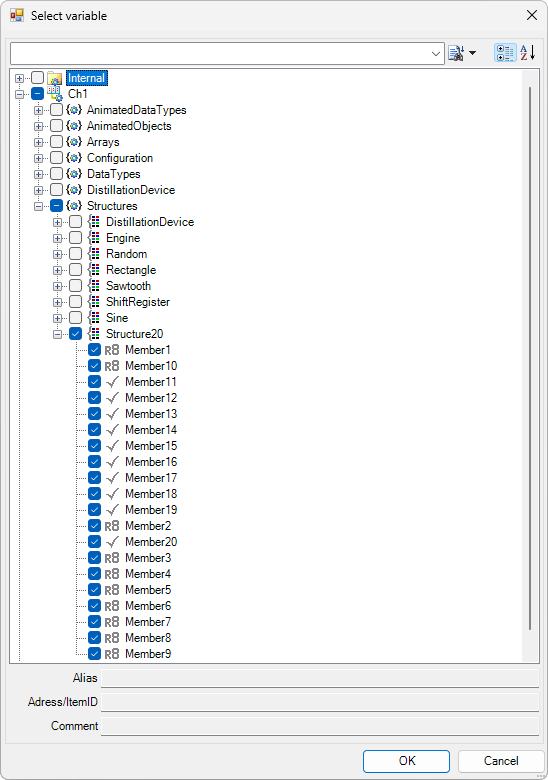
The selection icon in front of the node name shows the current selection of variables and clicking on it changes the selection:
-

- No variables are selected in this branch. Click to select the node and all sub-elements.
-

- All variables are selected in this branch. Click to deselect the node and all sub-elements.
-

- Some variables are selected in this branch. Click to deselect the node and all sub-elements.
When the dialogue is closed with the OK button, all selected variables are added to the recipe class. If the variables already exist, nothing happens.