Keypad
The keypad is an easy means for the local operation, parameterisation, and diagnostics of the inverter.
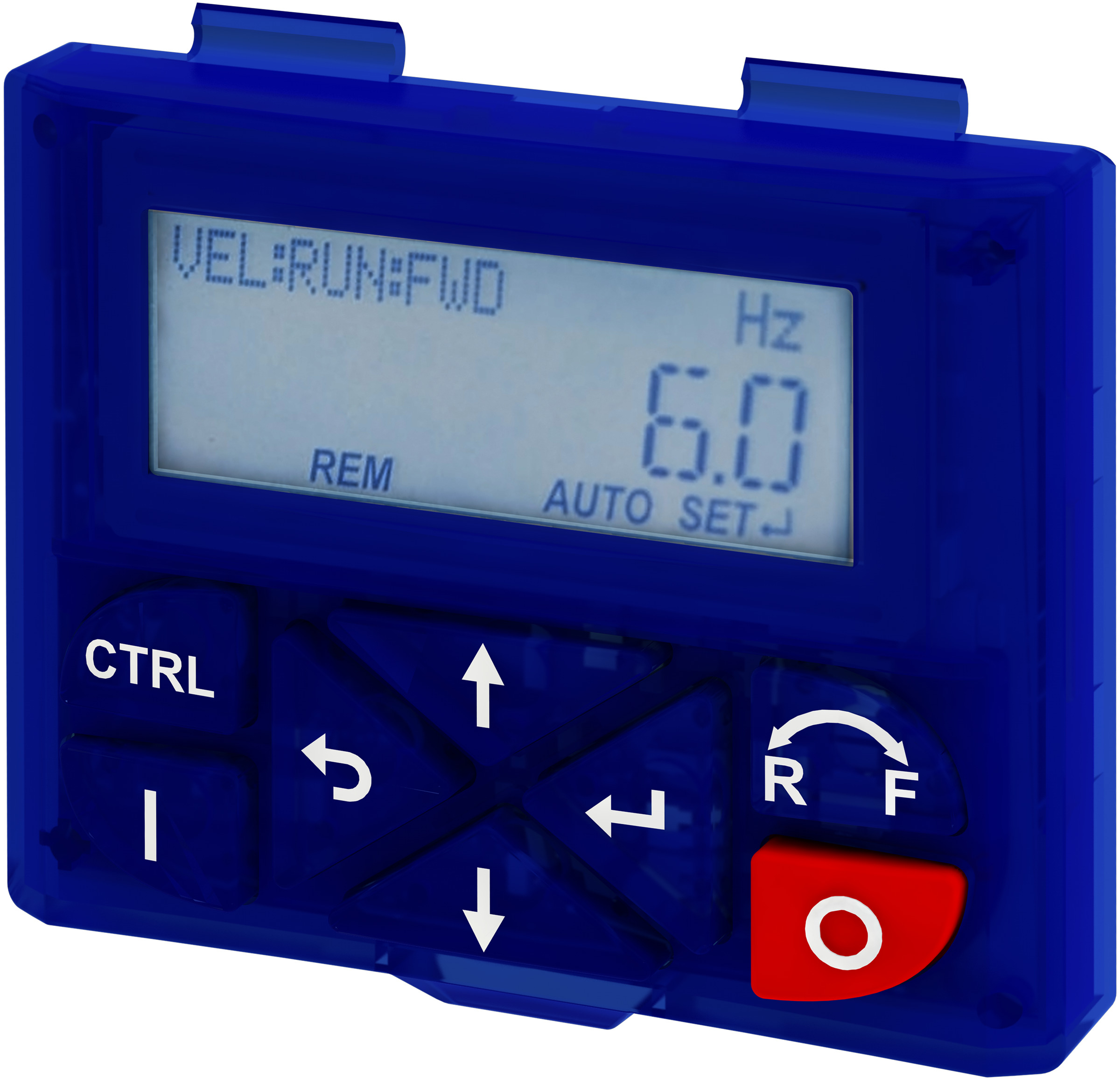
–
The keypad is simply connected to the diagnostic module interface on the front of the inverter.
–
The keypad can also be connected and removed during operation.
|
Function of keypad keys in operating mode
|
|||
|
Key
|
Actuation
|
Condition
|
Action
|
|
|
Briefly
|
Local keypad control active.
Display "LOC"
|
Run motor.
|
|
Remote control active
Display "REM"
Display "KSTOP"
|
Deactivate keypad triggered stop.
The motor remains at standstill.
Display changes from "KSTOP" to "STOP".
|
||
|
|
Briefly
|
No Jog operation
|
Stop motor.
Display "KSTOP"
|
|
|
Briefly
|
Operating mode
|
Change to parameterisation mode.
|
|
Longer than 3 s
|
None (anytime possible)
|
Save parameter settings in the user memory of the memory module.
|
|
|
|
Briefly
|
During operation
|
Scroll through information in the above status line.
|
|
|
Briefly
|
Manual setpoint selection via keypad active.
Display "MAN"
|
Change frequency setpoint.
|
|
|
|||
|
|
Briefly
|
Operating mode
|
Activate full keypad control
Display "ON?"
à Confirm with Control and setpoint selection can now only be carried out via keypad.
Renewed clicking: Exit full keypad control.
Display "OFF?"
à Confirm with |
|
|
Briefly
|
Local keypad control active.
Display "LOC"
|
Reversal of rotation direction.
Display "REV?"
à Confirm with |



 Keypad parameterisation mode






Detailed information on the keypad can be found in the Chapter "Using accessories".  Keypad