v4x0.Session
From v4.1 onwards, there is a session handling dialog, where the admin can setup the session parameter.
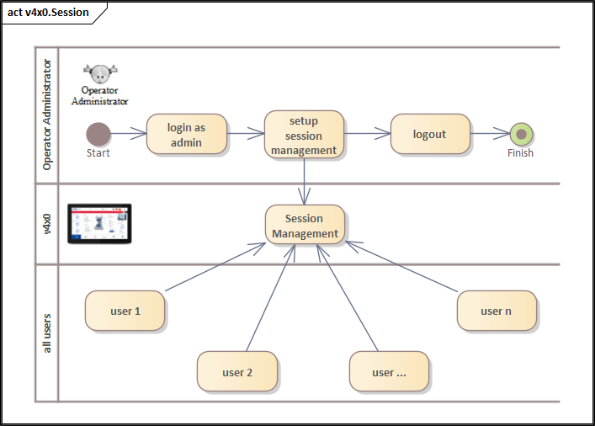
Activity Diagram
The timeouts can be set with the first two settings.
| Object | Description |
|---|---|
| Inactivity Timeout (minutes) | Time after user-inactivity before the session expires and loses. |
| Session Timeout (minutes) | Allowed duration for a work session, after the user has to re-authenticate. |
The number of failed attempts can be specified.
| Object | Description |
|---|---|
| Max user login attempts | The number of failed attempts can be specified. If this number of failed attempts is reached, the user is excluded. |
| Max host login attempts | The number of failed attempts can be specified. If this number of failed attempts is reached, the user is excluded. |
The access can be specified per minute, per hour and per day. The blocked account will be unlocked after expiration of the time limit or device reset.