Once the FSoE master of i750 is faulty:
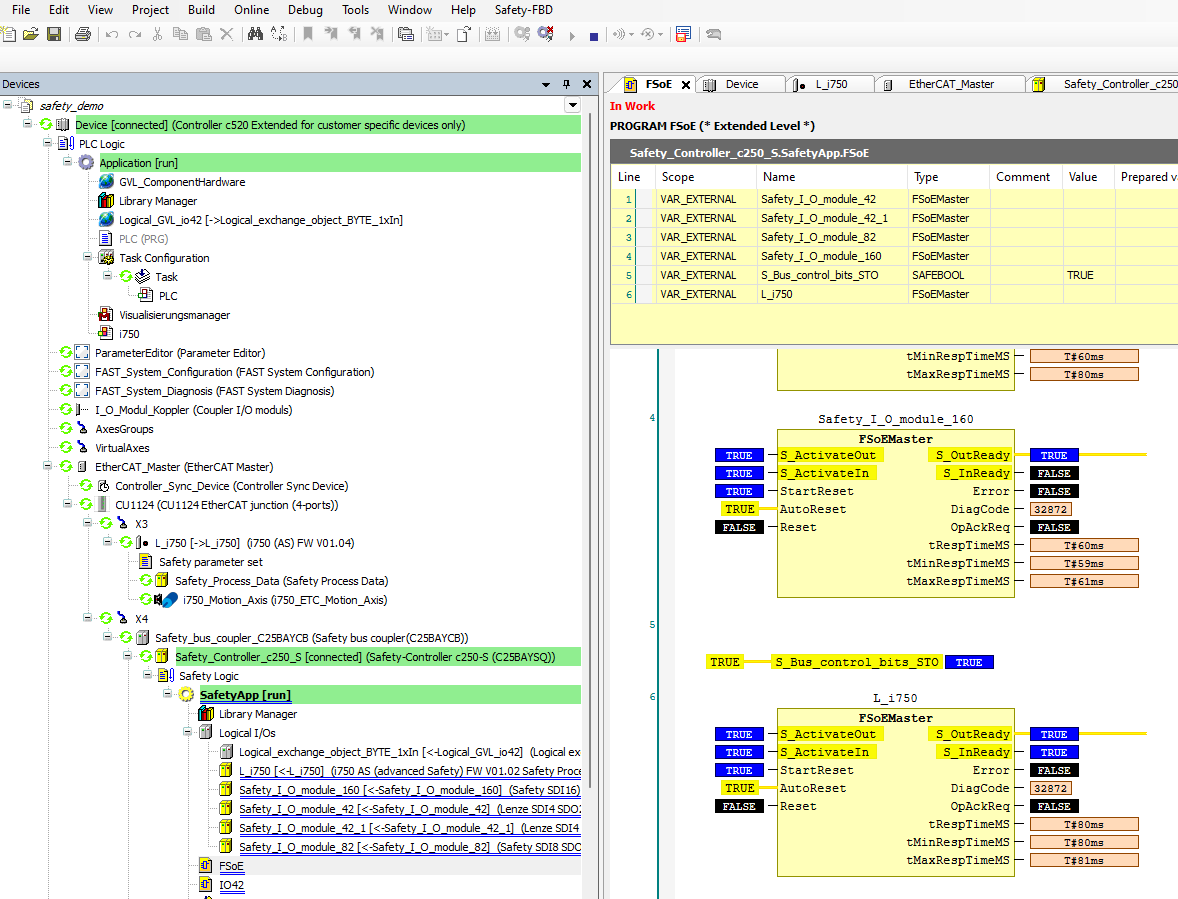
Project with faulty FSoE master
take the following steps to correct it:
-
Delete application on safety controller (important)
-
Select the safety controller and press the “Refresh” button on the <Safety Online Information> tab
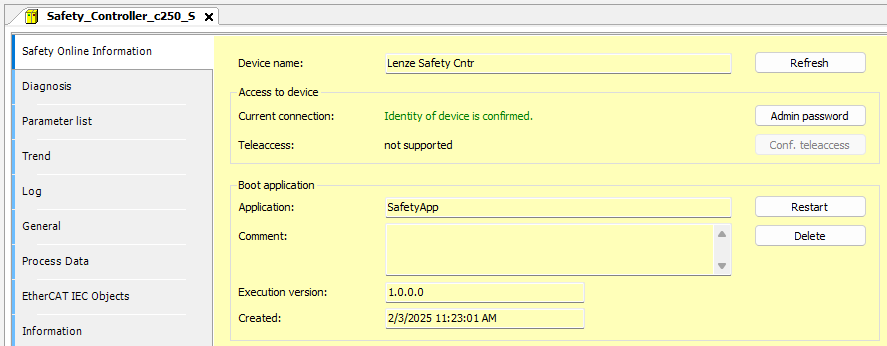
Online information tab of Safety controller
-
Press the <Delete> button (connection to the safety controller is terminated).
-
Disconnect from the controller.
-
Update the controller with the same version and recompile the project.
-
Establish connection to the controller (the application is downloaded).
-
Create boot application.
-
Establish connection to the safety controller (the safety application is downloaded). Expected Result: The FSoE Master functions correctly again.