Update the controller
During the migration, all functional safety components must be updated to ensure that the project can be compiled and downloaded without errors. This must be done as follows:
-
Select the controller and update device via context menu. Expected Result: Dialog with device versions available
-
Select and confirm the latest version. Expected Result: Update is carried out
-
Recompile project
-
Establish connection with the controller. Expected Result: Application is downloaded
-
Create a connection to the safety controller. Expected Result: Safety is running
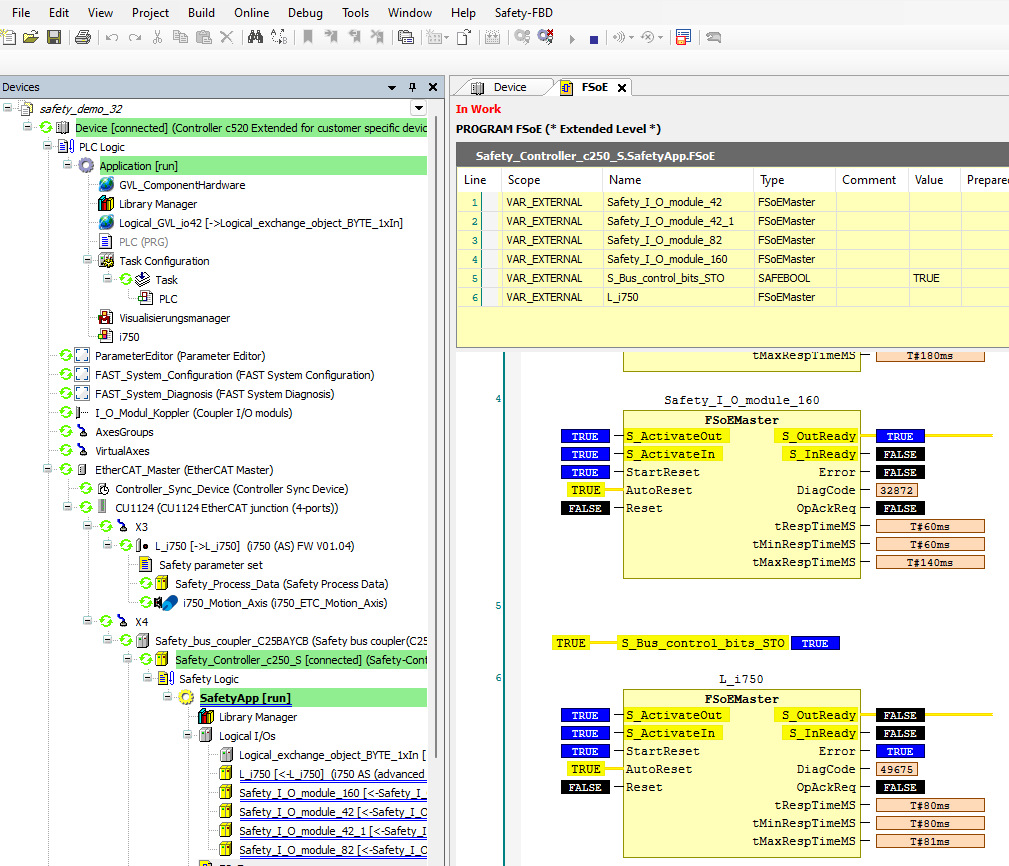
Project with functional safety applications after migration