TrendChartController
Control that allows to interact with the to which it is connected TrendChart.
|
Symbol |
|
|
Menüband |
Start > Controls > System > Trends > TrendChartController |

The TrendChartController includes buttons that allow the user to interact with the TrendChart, e.g. stop the online trends, move the timeline back and forward or zoom in and out of the curves view.
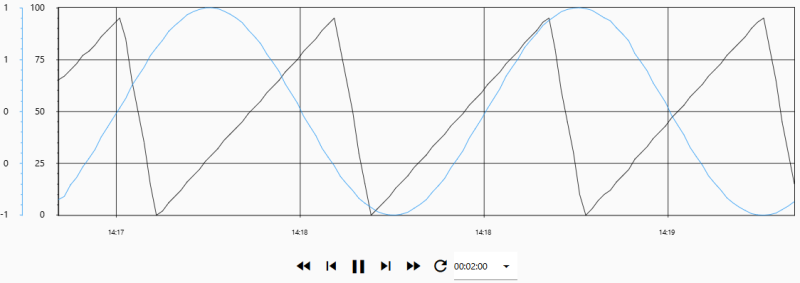
TrendChart with two trend curves and the TrendChartController
Functionalities
The control supports the following functionality:
-
Connection with a TrendChart by means of the TrendChartID property
-
Usage of the available data templates by means of the Template property
To enable the TrendChartController to control the TrendChart at runtime, it is sufficient to specify the TrendChart ID in the TrendChartController. In the Template property, you can select a template that determines the control’s appearance and functions.