Property pages
On the property pages, you can display and change the parameters of the definition of a system module selected in the table editor or in the project explorer.
In the Property pages window, you can configurethe projectand set parameters for system module definitions. In the standard window layout, the Property pages window is located at the bottom of the user interface.
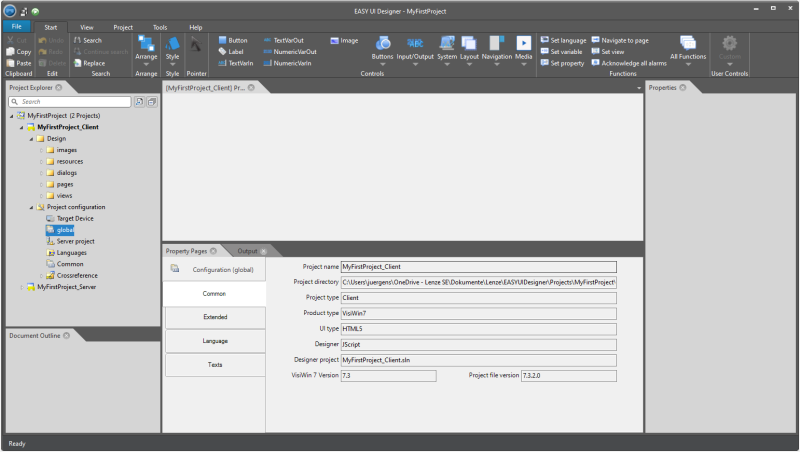
Properties pages window in the »EASY UI Designer« development environment
If the window is too small to display all tabs, buttons are displayed at the bottom left of the window instead, which are used to scroll between the tabs.
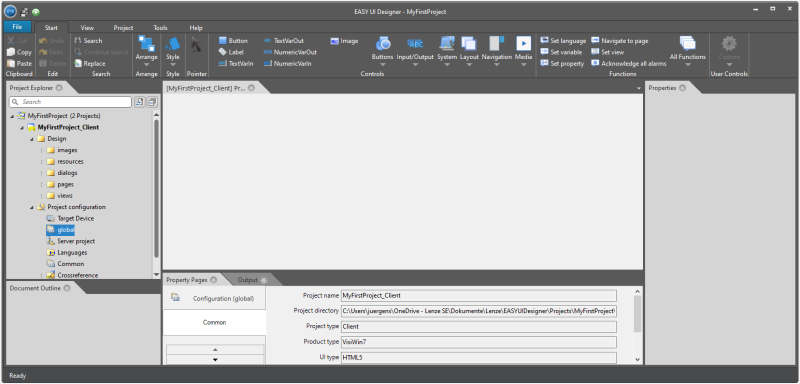
Change tabs
You cannot edit parameters with a grey background. These were defined when the project was created.