Step 5: Advanced functionality of the axes group visualisation
In addition to the live representation of the axes group position, the visualisations provide the following functions which can be selected via the Configuration button.
- Test mode:
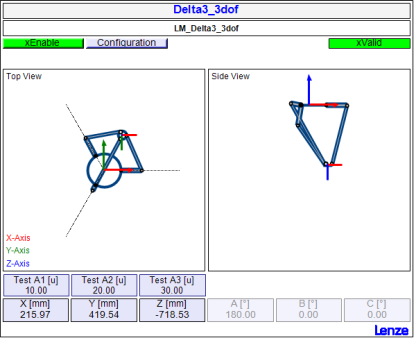
- In the test mode, the displays of the axis positions become input fields which serve to represent any angularity.
- Activate test mode
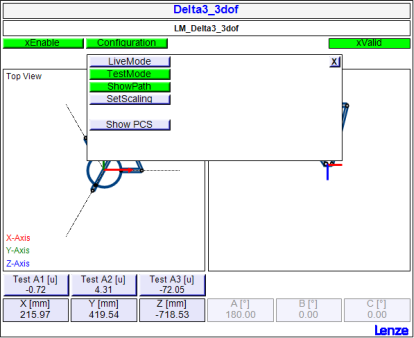
- Select arbitrary axial angles
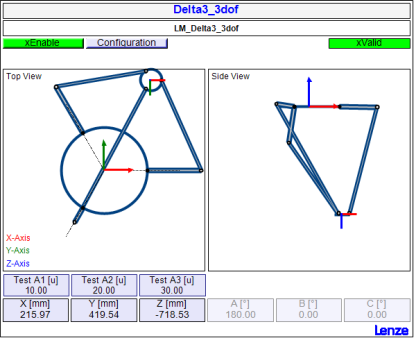
- The scaling of the graphics is automatically calculated during activation on the basis of the mechanical dimensions. Should this automatically calculated scaling not be optimal, it can be adapted via SetScaling .
- The scaling is always equidistant, i.e. distortion is not possible.
- The MCS always remains within the represented frame of the top or side view.
- The scaling is not saved persistently.
Basic conditions:
|
Example |
|---|
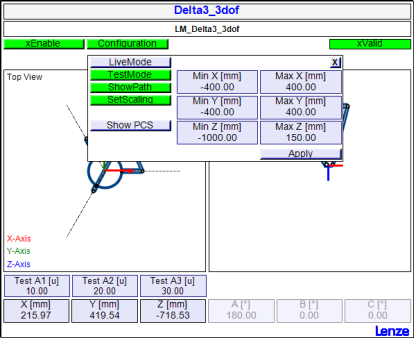
|
|
Confirmation of Apply leads to the following representation: |
|
- Select and display a PCS via the Show PCS button.