PDFViewer
Control element for displaying a PDF document.
|
Symbol |
|
|
Menu ribbon |
Start > Controls > Input/Output > Media > PDFViewer |

The "PDFViewer" control uses the browser's built-in PDF viewer to display a PDF document. The PDF document can be displayed with or without a toolbar.
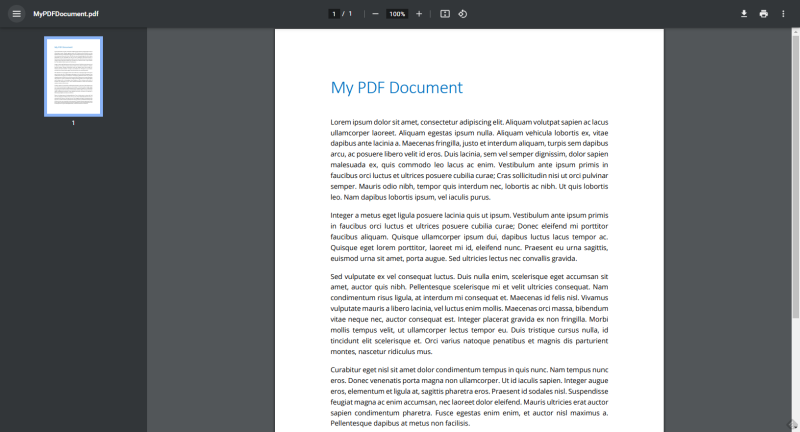
PDFViewer with toolbar
Functionalities
The control element supports the following functionality:
-
Connection to the user administration for blocking operability
You can configure these functionalities via the properties in the Properties window when you select the control in the Designer or in the document outline.
Style
No system styles are available for the control. No user-defined styles can be created either.
The following properties are available in the "PDFViewer" category to configure the display of the PDF document:
ShowToolbar
Specifies whether the toolbar of the PDF viewer supplied with the browser used should be displayed.
Source
Specifies the path to the PDF document within the client project folder. This PDF document is loaded into the PDFViewer.
StartPage
Defines the page of the PDF document that is displayed after loading the document into the PDF viewer.
Zoom
Defines the scaling factor in per cent.
0: No change in size
1 - 100: Scaling factor in per cent
Related topics: