LoadingSpinner
Animated element to indicate a loading process.
The LoadingSpinner is used to make apparent to the user that the desired contents are loading.
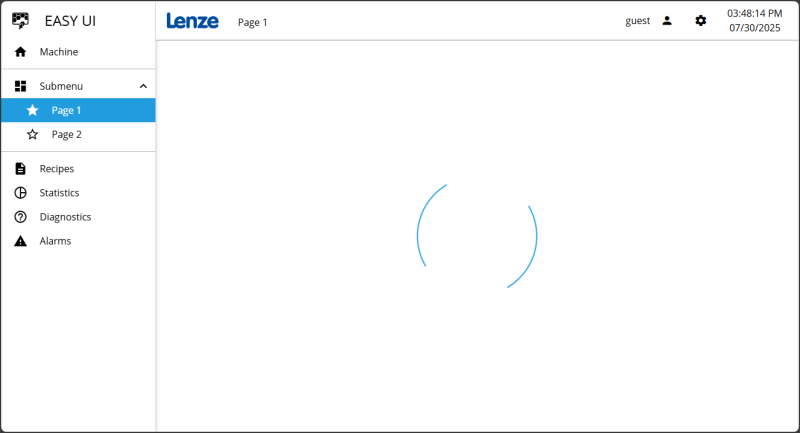
The LoadingPage with a LoadingSpinner (two arches rotating around a center point) is displayed while the actual page is loading.
Functionalities
The control supports the following functionality:
-
Automatic positioning of the animated element (Spinner) within an internal FlexLayout
-
Display of a background, a border, a shadow, etc. (appearance)
-
Display of the background, the border and the animated element (Spinner) itself in different colors
-
Display of an animation (Spinner)
Anatomy
The control contains a number of child elements. Both the control itself and its child elements can be configured using the properties of the control. The properties of a child element are usually found in the category named after this child element.
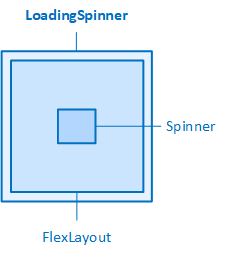
The LoadingSpinner and its elements
To configure the animation, use the properties found in the Spinner category. The SpinnerType property allows to select the type of animation you want to use. The SpinnerWidth and SpinnerHeight properties set the width and height of the element. To play the animation, use the PlayAnimation property.